Why the Pomodoro Technique works for studying

Sustained attention tends to drop off after roughly 20–25 minutes of continuous reading or problem-solving — the mind starts to wander, re-reading the same paragraph without absorbing it. The Pomodoro Technique works against that drift by capping a study block before fatigue sets in, then forcing a real break so the next block starts fresh rather than picking up where your focus already left off.
The break matters as much as the work block. A short pause lets what you just studied settle before the next chunk arrives, instead of stacking new material straight on top of tired attention. That's the core mechanism this page leans on: study in a block short enough to stay sharp for, then actually stop.
What interval should you actually use?
There's no single "correct" Pomodoro length for studying — the right interval depends on the kind of work and how much time you have. A few starting points, worth testing rather than following blindly:
- School homework: around 45 minutes of work with a 10-minute break tends to fit typical assignment loads without feeling like a slog.
- University coursework: 50–90 minute blocks with a 15-minute break suit denser material — reading a dense chapter or working through problem sets often needs more runway than 25 minutes gives you.
- Exam cramming: shorter, more intense cycles usually beat long ones when you're under time pressure. Some students also switch from 4 pomodoros per long break down to 3, trading a bit of total work time for staying sharper on each session.
- Easily distracted or ADHD-style focus: 12–15 minutes of work with a 3-minute break lowers the barrier to starting — the hard part is often just beginning, not sustaining, and a short interval makes starting feel much less costly.
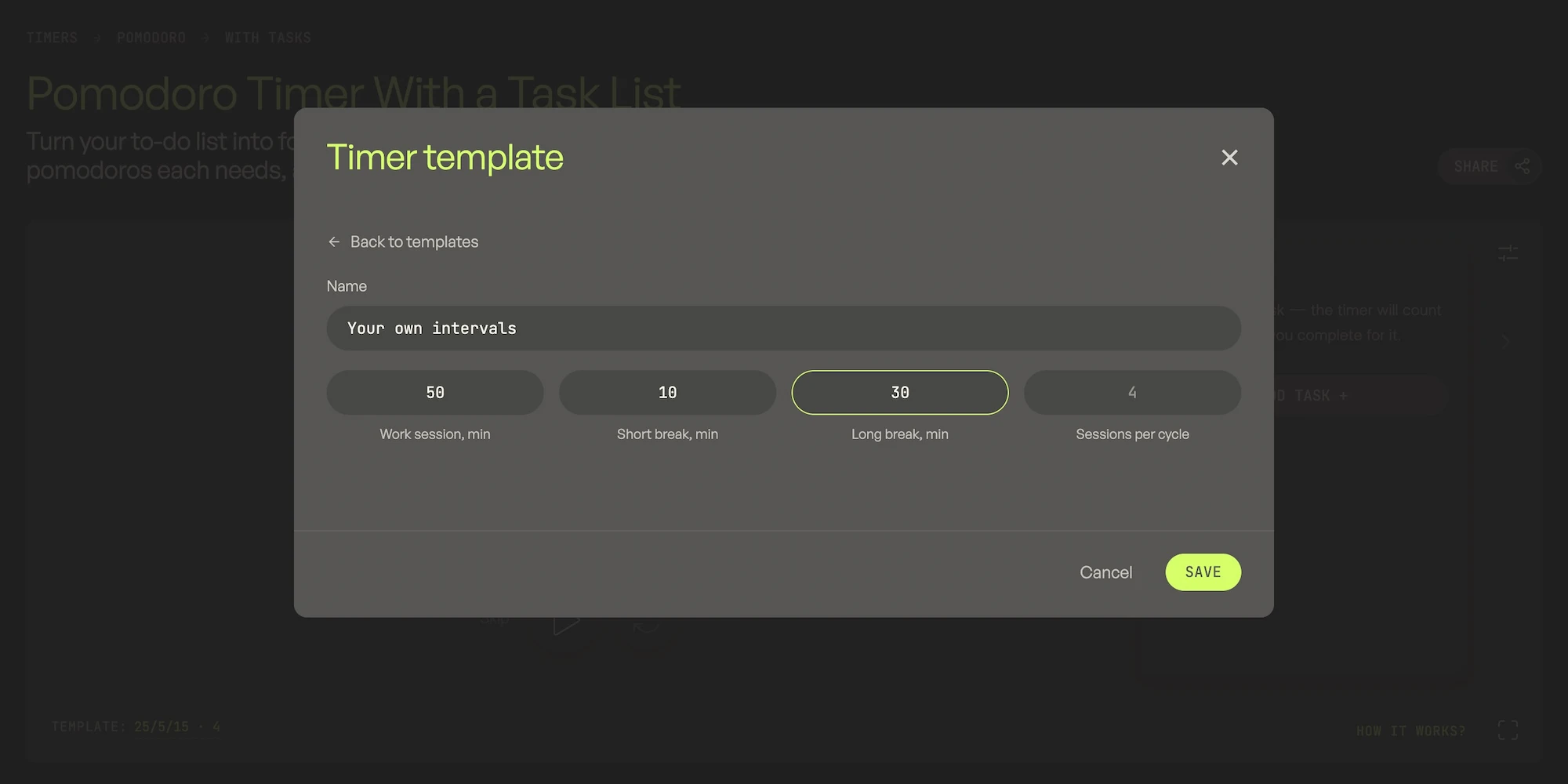
The timer below defaults to 45 minutes of work, a 10-minute break, a 20-minute long break, and 3 sessions per cycle — a reasonable school-homework starting point. Open "Custom template" any time to set exactly what fits your workload.
Does it actually improve retention? What the research says
It's worth being honest here instead of just repeating that Pomodoro "works." The broader idea it rests on — spacing study out with real breaks instead of one long unbroken session — is well supported for retention; cramming everything into a single marathon session is consistently one of the least effective ways to study.
But the specific 25-minutes-on, 5-minutes-off rhythm isn't a guaranteed performance boost. One study comparing roughly ninety university students found that forced Pomodoro-style breaks led to a somewhat faster decline in motivation and energy over a study session than letting students choose their own break timing — with no clear overall advantage for either approach by the end. In other words: the structure can help some people focus, but for others a fixed external rhythm feels more draining than a break taken when you actually need one.
The practical takeaway isn't "don't use Pomodoro for studying" — it's "use it as a structure you can adjust, not a rule you have to force yourself through." If a fixed 25/5 rhythm starts feeling like it's fighting your focus rather than protecting it, that's a signal to change the interval, not push through it.
Turning your assignments into a task list
The timer includes a built-in task list, and for studying it works well as an assignment or subject tracker rather than a generic to-do list. Add each subject or assignment as its own task — for example "Biology — 3 pomodoros" or "Essay draft — 4 pomodoros" — click it to make it active, and the timer counts completed cycles toward that task automatically.
This is especially useful during exam season, when you're juggling several subjects in one sitting: you can see at a glance how much focused time each subject has actually received instead of guessing. Up to three tasks can be active at once, each with its own template, so a quick review subject and a dense reading subject can run different interval lengths side by side. A skipped work session doesn't count toward a task's progress — so switching to the next subject early won't quietly inflate how much study time you've logged.
Tips for exam-prep sessions
- Pair work sessions with active recall. Re-reading notes feels productive but teaches you less than testing yourself. Use each pomodoro to work through flashcards, practice questions, or explain a concept out loud from memory, rather than passively re-reading.
- Use the long break to actually rest. Standing up, stretching, or a short walk resets attention better than scrolling a phone, which tends to keep the mind just as occupied as studying did.
- Keep the tab open in the background. The countdown keeps running and the remaining time shows right in the browser tab title, so you can switch to a reference tab or a PDF mid-session without losing track of time.
Studying isn't the only reason to customize this timer. If you'd rather track a to-do list than school subjects, see the Pomodoro timer with tasks. If none of the intervals above fit and you want to design your own from scratch, try the custom Pomodoro intervals timer, or head back to the general-purpose Pomodoro timer for the full set of built-in templates.

Fact
In one study of roughly ninety university students, forced 25/5 Pomodoro breaks led to a faster drop in motivation over a study session than letting students pick their own break timing — a reminder that the technique is a starting structure to adjust, not a fixed rule to force yourself through.