What is the Pomodoro Technique?
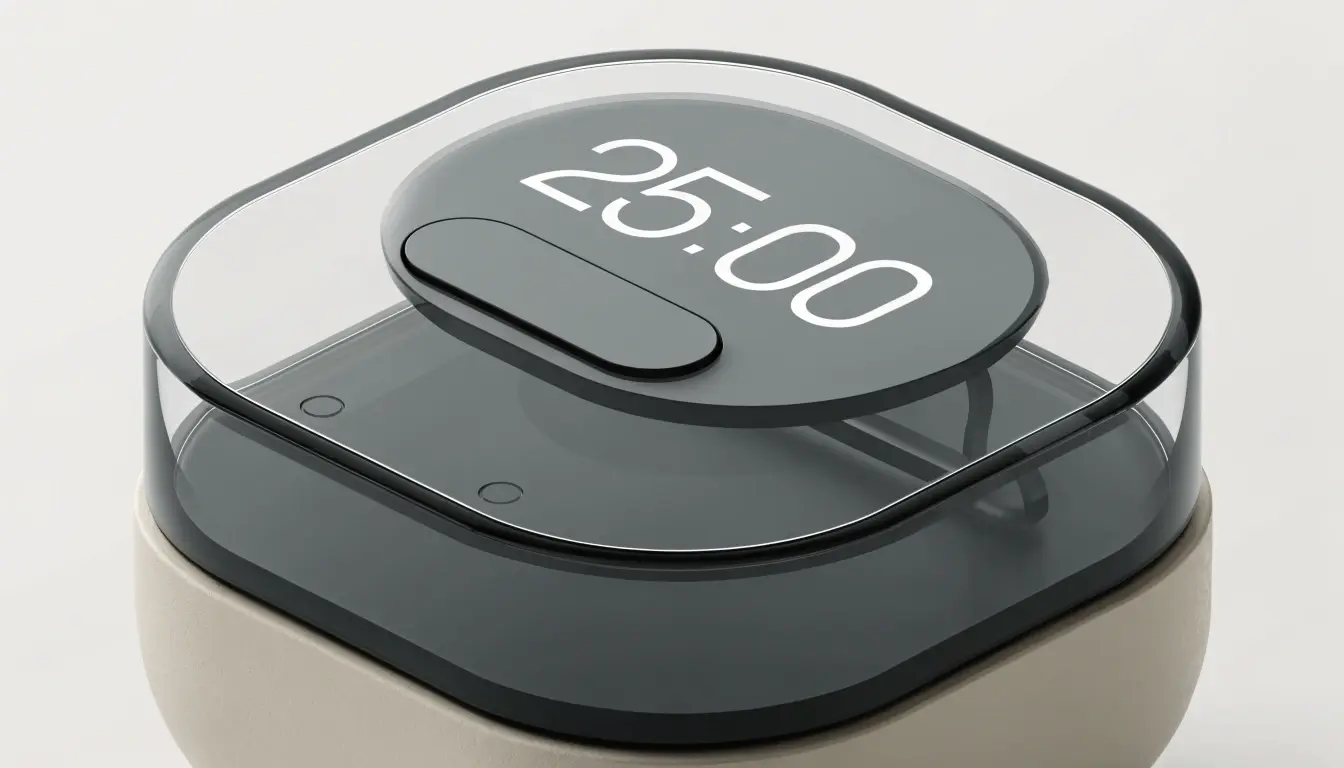
The Pomodoro Technique is a time management method in which work is split into clear stretches of focus and short pauses. A standard "pomodoro" is a work session of about 25 minutes, followed by a 5-minute break. Every three to four sessions are followed by a longer break of 15–30 minutes. The idea is simple: keep your concentration high in short rhythms and avoid wearing yourself out.
The method was invented in the late 1980s by Italian developer Francesco Cirillo, then still a university student. To stop dragging out his studies and to hold his attention, he measured sessions with a kitchen timer shaped like a tomato — hence the name "pomodoro" ("tomato" in Italian).
Since then the Pomodoro Technique has been used in studying, programming, writing and design — anywhere it matters to gather your attention and not stretch tasks out endlessly. The approach isn't tied to a specific tool: a kitchen timer, a phone app, or an online timer in the browser — like this one — will all do.
How our Pomodoro timer works
You can use the timer in two ways: simply as a "work–break" rhythm following the chosen template, or tied to a specific task so you can see how much focused work you've already put into it.
- Start by template. Pick a ready-made template or create your own and press "Start". The timer will cycle through work sessions and breaks until you stop it. This is handy when you just want to work in a rhythm, without tracking individual tasks.
- Start by task. Add a task to the list and click it — it becomes active, the timer starts with its template and begins counting completed pomodoros. Clicking the active task again detaches it without resetting the accumulated progress. Once the required number of cycles is done, the task is automatically marked as completed. This suits you when you have several different things to do and want to see how much focused work each has already received.
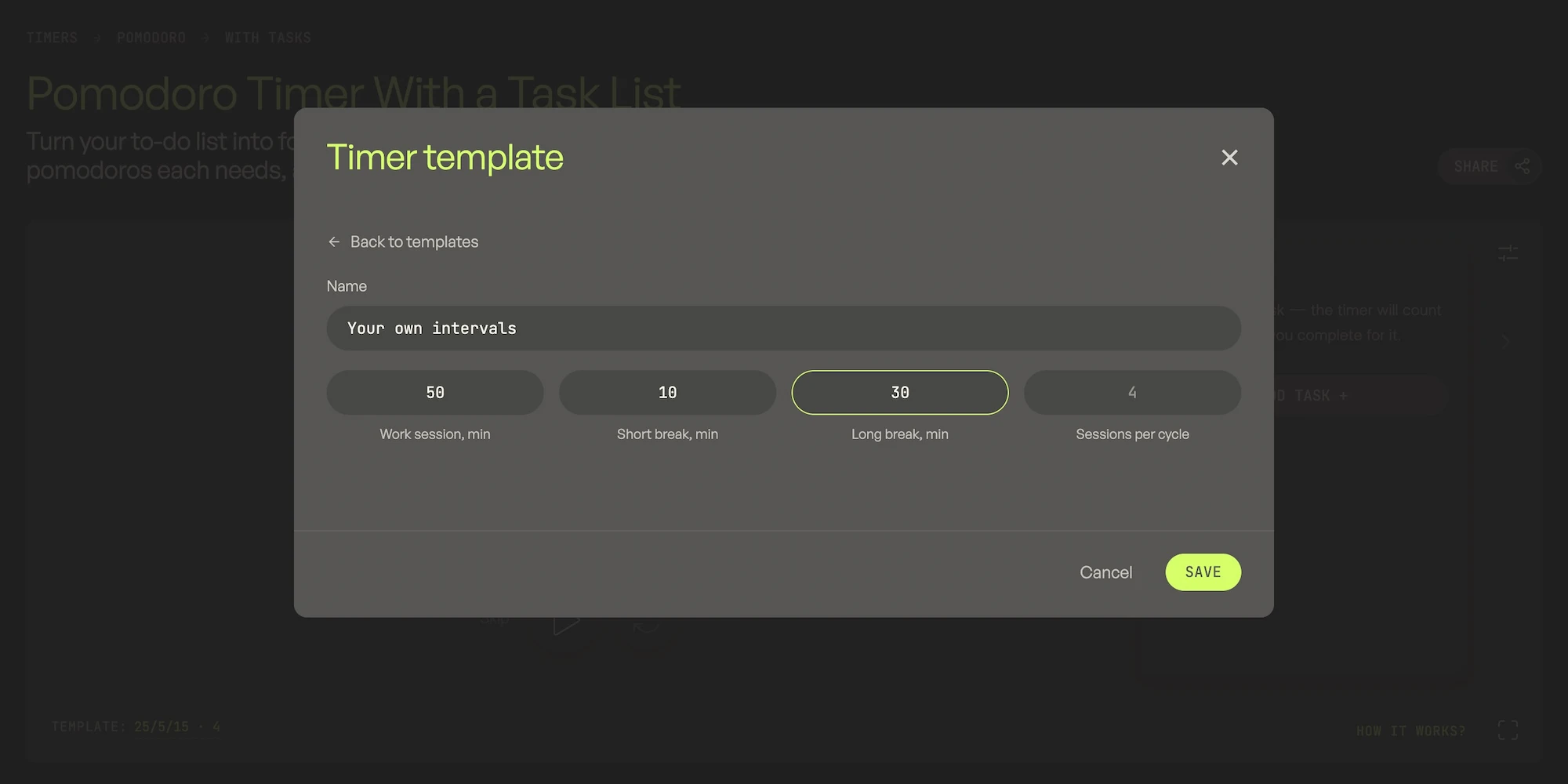
A template is a set of intervals: work session, short break, long break and the number of sessions per cycle. Out of the box there are four templates: classic 25/5/15, short focus 20/5/10, long focus 45/15/30 and deep work 90/12/60. On top of that you can save up to three custom templates with any intervals — they stay in your browser and survive a page reload. The task list holds up to three active tasks at a time; each task has its own template and its own progress.
Prefer a version tuned to a specific use case? The Pomodoro timer with tasks focuses on planning a to-do list around pomodoro cycles, the custom Pomodoro intervals timer walks through picking your own work/break lengths, and the Pomodoro timer for studying has intervals and tips built for school and university sessions — same timer underneath, different starting point and guidance.
- Auto-start for breaks and work sessions. In the settings you can enable automatic transition into a break, into a work session, or into both phases at once. The timer keeps the cycle going without you having to press "Start" every time.
- Sound and volume. The sounds for the end of a work session and the end of a break are chosen independently, as is their volume. Any of them can be muted — then the timer simply moves on to the next phase in silence.
- Full-screen mode. The timer can be expanded to full screen — large digits are handy to keep on a second monitor or to see from a distance in a class or workout.
- Simple interface. The idea behind our Pomodoro timer, like the rest of the timers on the site, is the simplest possible interface. No accounts, tags, calendar links or complex settings. Open it, press "Start" — and you're working.
- Works in a background tab. We've done our best to keep the timer counting even when the tab is minimized or you've switched to another app — the remaining time is visible right in the browser tab title. For the most stable operation, especially with long intervals, we recommend keeping the tab open and the device active: modern browsers can deeply "sleep" the background, and in rare cases this can throw off the countdown.
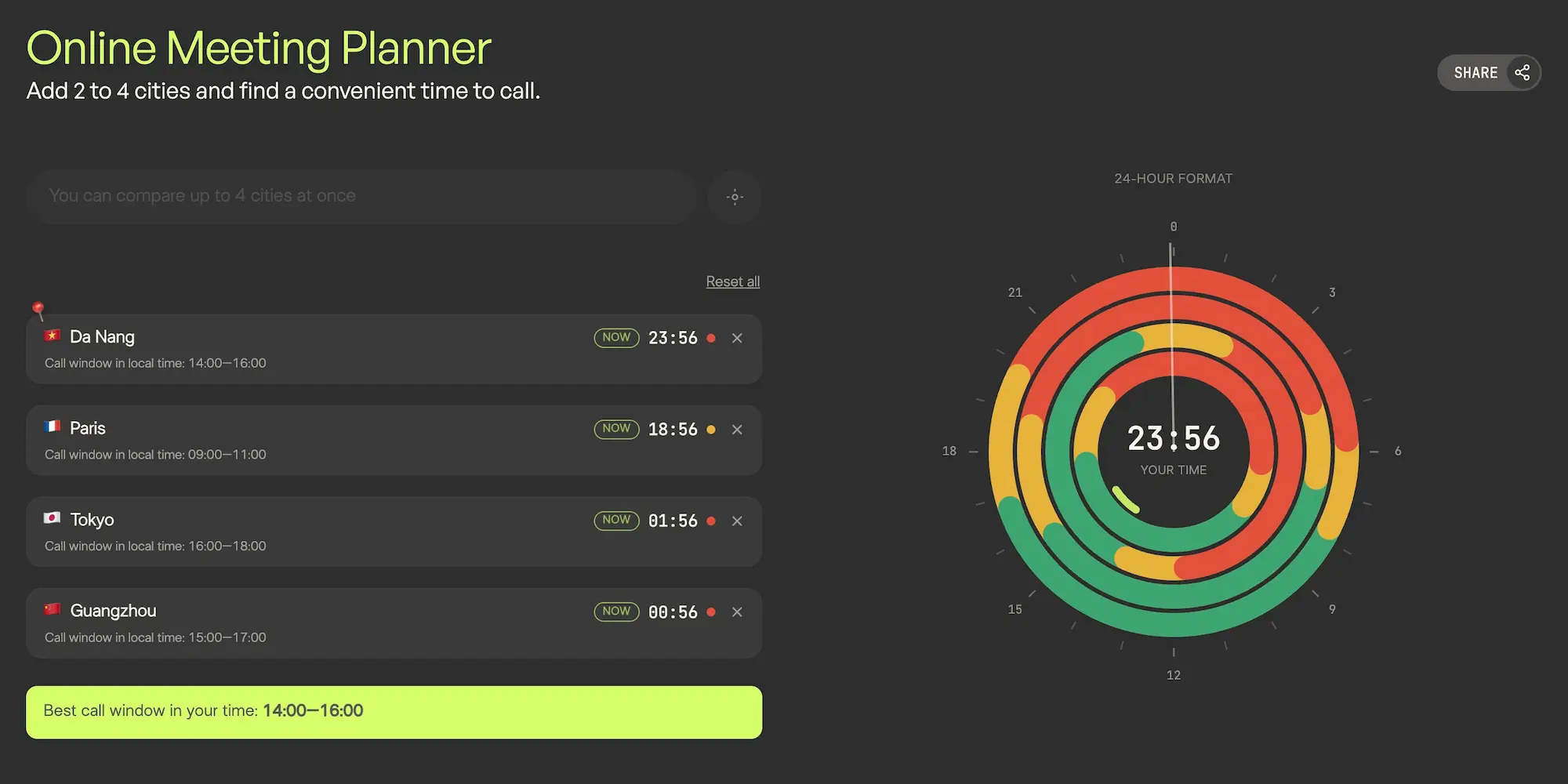
- Works well with a distributed team. Coordinating pomodoro blocks with colleagues in other time zones? Our Meeting Planner finds a call window that works for everyone, so you can schedule shared focus sessions around it.

Fact
The word "pomodoro" means "tomato" in Italian — the technique is named after the tomato-shaped kitchen timer its author Francesco Cirillo used while studying.