Countdown to Any Date

Pick a date and see how many days, hours and minutes are left.

Browse all countdowns

How many days until any date

Pick any future date, such as a birthday, a vacation or an exam, and track the remaining time down to the second. The date stays in the page link, so you can save it or send it to someone. There are also ready countdowns to holidays, seasons and months. There is a full-screen mode — for presentations, holidays, or simply for visibility.

Countdown with second-by-second accuracy.
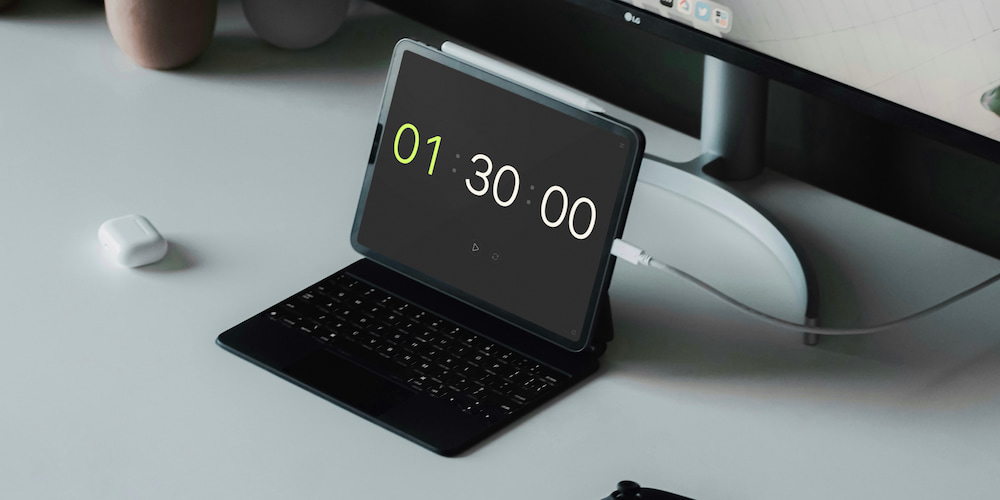
Countdown Timer

Frequently asked questions

How is a countdown different from a regular timer?
A regular timer counts down a chosen interval — for example, 25 minutes. A countdown counts toward a specific future date: it shows how many days, hours, minutes, and seconds remain until New Year's, a birthday, a vacation, or any other date you pick.
What dates can I count down to?
Any future date: pick it in the date field at the top of this page. There are also ready-made countdowns to popular holidays, the start of each season, and the first of any month, which automatically target the next occurrence of that date.
Does the countdown use my time zone?
Yes. The remaining time is calculated against your device's local time zone, so New Year's, for example, arrives exactly at midnight in your local time — not server time.
Can I expand the countdown to full screen?
Yes. Every countdown has a full-screen mode. Useful for presentations, corporate events, holiday streams, or just for atmosphere — big digits are easy to see from a distance.
What happens when the countdown reaches zero?
When the event arrives, the counter shows zeros and stops. No alarm — this is a visual countdown panel, not an alert timer.
How do I share a countdown?
There's a Copy link button above each countdown. You can share it on social networks or send the link directly. Any page can also be added to your phone's home screen — the countdown will open in one click like a regular app.