


What can you achieve with a 55-minute timer?
Timers are simple tools that can transform how we manage our tasks, offering a blend of simplicity and effectiveness that boosts productivity and focus. A 55-minute timer is particularly versatile, perfect for those who seek to make their day more structured and their tasks more manageable. It not only helps to start a task that you might be postponing but also creates an urgency that motivates you to finish within a set timeframe.
Working to another length? Open the 50-minute timer or the 60-minute timer instead.
- Time Management in Meetings
Keep meetings concise and on-point by using a 55-minute timer. This helps ensure that all topics are covered within the allotted time, making meetings more productive and respecting everyone’s time.
- Deep Work Sessions
Use the 55-minute timer to carve out periods of concentrated work free from distractions. This technique, based on the principle of timed work intervals, helps maintain high levels of concentration and prevents burnout. It's particularly effective for tasks that require intellectual effort such as writing, coding, or designing.
- Rest and Recovery
Short breaks are critical for maintaining mental agility. Set a 55-minute timer for a power nap or a quiet meditation session during your day. This helps reset your cognitive processes and restores energy, which is essential for maintaining productivity throughout the day.
- Physical Exercise
Keeping physically active is crucial for good health. A 55-minute timer is perfect for scheduling your workout sessions, whether it’s yoga, a home workout, or a cycling session. Regular exercise not only improves physical health but also enhances mental well-being.
- Study Periods
For students or lifelong learners, using a timer to manage study sessions can help in maintaining focus and retaining information. The 55-minute span is ideal for absorbing complex information before taking a break, enhancing both concentration and memorization.
- Cooking Perfect Meals
Timing is key in cooking. Whether you're baking a cake or simmering a stew, setting a 55-minute timer ensures you cook your dish just right. This not only helps in managing your cooking time but also in multitasking within the kitchen efficiently.
- Recreational Reading
Setting aside 55 minutes for reading can enrich your mind and relax your body. Regular reading sessions contribute to mental health and can be a perfect way to unwind after a long day.
Maximizing the benefits of a 55-minute timer
Understanding how to effectively use a 55-minute timer can significantly enhance your productivity and satisfaction with your daily tasks. This tool, when used correctly, can help you achieve a better workflow, reduce stress, and increase your output by focusing on single tasks within a defined time frame.
To gain the maximum benefit from a 55-minute timer, start by dividing larger, more complex tasks into smaller, manageable segments. For instance, if you have a project that typically takes several hours, break it down into components that can fit into multiple 55-minute intervals. This approach not only makes the task seem less daunting but also provides clear stopping points for rest and evaluation, which can help maintain your momentum and focus throughout the task.
Another key to leveraging a 55-minute timer effectively is to cultivate a mindset that finds motivation in small achievements. Each 55-minute session completed successfully should be viewed as a step towards the bigger goal. This helps build a positive feedback loop, where the satisfaction of completing these intervals fuels the motivation for the next. It’s essential to take a moment after each session to acknowledge the progress made—this recognition can be incredibly motivating.
Lastly, ensure that your workspace is conducive to focused work. Before you start the timer, minimize potential distractions by preparing your environment. This could involve clearing your desk, closing unnecessary applications on your computer, or putting your phone on silent. A clean and organized workspace sets the stage for effective use of your time, allowing you to concentrate fully on the task at hand for the duration of the timer.

Fact
Small steps can truly solve daunting tasks that are typically hard to approach. A timer allows for the division of complex processes into manageable stages, enabling quicker achievement of set goals.
Exploring the features of a 55-minute online timer
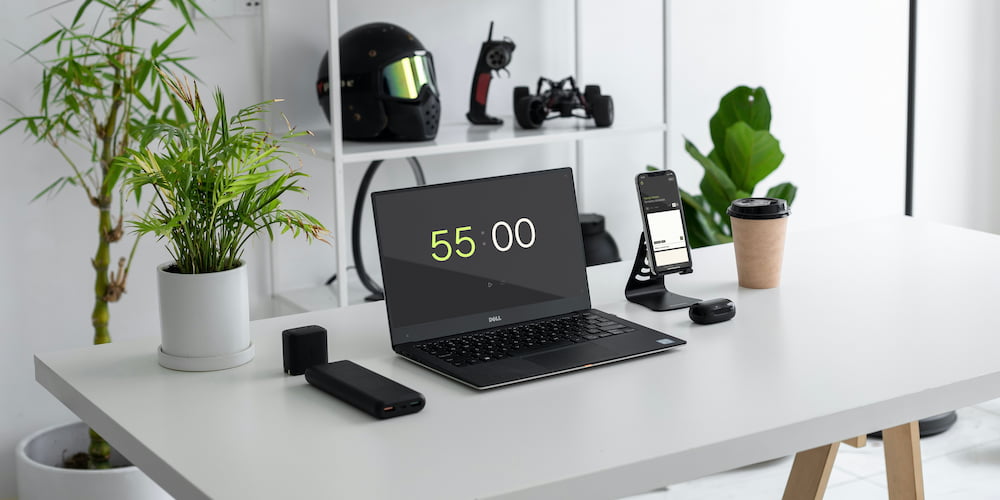
The online 55-minute timer is not just a countdown tool; it's equipped with functionalities that cater to diverse needs, whether for study, work, or daily activities. Here's a closer look at the key functionalities that make this timer a versatile choice for individuals and professionals alike.
- Customizable alarm settings:
The timer offers a customizable alarm feature where users can choose to turn the beep on or off and select from a variety of sounds. This is particularly useful for those who may need a gentle reminder instead of a startling alarm, allowing the sound to be tailored to the user's environment and preferences.
- Interactive interface adjustments:
Users can set the timer not only through a settings menu but directly from the main interface, making it extremely convenient to adjust times on the fly. This feature supports dynamic changes, ideal for situations where tasks may require more or less time than initially anticipated.
- Extended time tracking:
If the standard 55-minute interval is insufficient, the timer allows the addition of clock functionality to extend its use beyond the set limit. This makes it adaptable for longer tasks or projects that require continuous tracking over extended periods.
- Full-screen mode:
For presentations, speeches, or reports, the timer can be expanded to full-screen mode. This feature is excellent for keeping an audience or a speaker aware of time without needing to constantly check a small device or conventional clock, facilitating better time management in public speaking scenarios.
Frequently Asked Questions
Here are some commonly asked questions about using a 55-minute timer, including how it can improve your productivity and focus. Whether you're using it for study, work, or daily tasks, these answers will help you get the most out of this simple yet powerful tool.
How can a 55-minute timer enhance my daily productivity?
Using a 55-minute timer helps structure your work or study sessions into focused intervals, promoting deep concentration while minimizing burnout. This method maximizes productivity by aligning with natural attention spans.
Is the 55-minute timer suitable for use in educational settings?
Absolutely, the 55-minute timer is ideal for classrooms or study sessions, helping both educators and students manage lesson durations and study times effectively, ensuring that learning remains engaging and focused.
What is the best way to use a 55-minute timer for physical exercise?
The timer is perfect for segmenting workout sessions into warm-up, active exercise, and cool-down phases, ensuring you spend an adequate amount of time on each component of your fitness routine.
How does using a 55-minute timer help with time management in meetings?
By setting a 55-minute limit, meetings become more concise and focused, allowing all participants to discuss agenda items effectively without overstaying the scheduled time.
Can the 55-minute timer be used for cooking?
Yes, the timer is excellent for culinary tasks, helping ensure that dishes are cooked for the appropriate amount of time, enhancing meal preparation and execution.
Can I extend the time beyond 55 minutes if my task isn't completed?
The timer allows you to change and add additional time and perform tasks that require longer engagement.
Is there a full-screen mode available for the 55-minute timer?
Yes, a full-screen mode is typically available, making it easier to view the countdown during presentations or group activities where visibility is crucial.