


Using a free online 30-minute timer

Online timers have become essential tools in our daily lives, helping us manage time and tasks effectively. A free online 30-minute timer with an audible beep provides a convenient and straightforward solution for a variety of situations. Here are some specific examples where this tool can be especially useful.
Not the right duration? Jump to the 25-minute timer or the 35-minute timer.
- Physical activity
Exercising for 30 minutes, such as a workout session or a run, can energize you and improve your overall well-being. For example, you could set the timer for 30 minutes and perform a series of exercises like squats, push-ups, and running. Regular physical activity helps maintain physical fitness and enhances mood.
- Improving work concentration
Using a 30-minute timer can boost productivity at work. By dividing work time into 30-minute intervals, you can focus on a single task without distraction. This helps maintain high productivity levels. For instance, you could allocate 30 minutes to write a report, then take a short break.
- Short breaks
A brief 30-minute nap can significantly improve your concentration and replenish your energy. This rest is particularly beneficial in the middle of a workday when energy levels start to wane. After a 30-minute nap, you'll feel more refreshed and ready to tackle new tasks.
- Presentations and speeches
For efficient delivery of presentations and speeches, a 30-minute timer can help structure your material and fit within the allotted time. For instance, you might divide your presentation into several sections and precisely control the time to cover all key points effectively.
Maximizing the benefits of a 30-minute timer
Let’s explore how to use this timer to its fullest potential in various aspects of daily life.
Try breaking your tasks into smaller parts and tackle them in stages. Set the timer for 30 minutes and concentrate fully on one specific task. This approach helps avoid overload and maintains a sense of progress. For example, if you are preparing an important report, dedicate the first 30 minutes to data collection, then the next 30 minutes to analysis, and so forth. This method not only breaks down the task into manageable chunks but also provides immediate, motivating milestones as each segment is completed.
Use the timer to alternate between work and rest. Work in 30-minute intervals followed by short breaks. This method helps maintain a high level of concentration and prevents burnout. For instance, after 30 minutes of intense work, take a 5-minute break to stretch or go for a walk. This not only refreshes the mind but also helps sustain energy levels throughout a longer period, ensuring that productivity remains high.
Furthermore, the 30-minute timer can be used for carrying out various everyday tasks. Set the timer and focus on a specific activity, whether it’s studying, doing household chores, or engaging in a hobby. This approach helps structure your time and makes the task execution process more manageable, allowing for better focus and efficiency in whatever you undertake.
Fact
The post-lunch short rest period, known as a siesta, is a historical cultural element among many peoples, most commonly found in hot countries. The habit of taking a siesta is prevalent in Mediterranean countries and some Central American countries. A hypothesis suggests that the siesta might reduce the risk of death from heart attacks, based on the lower mortality rates from this cause in countries where it is widespread.
The features of a free online 30-minute timer
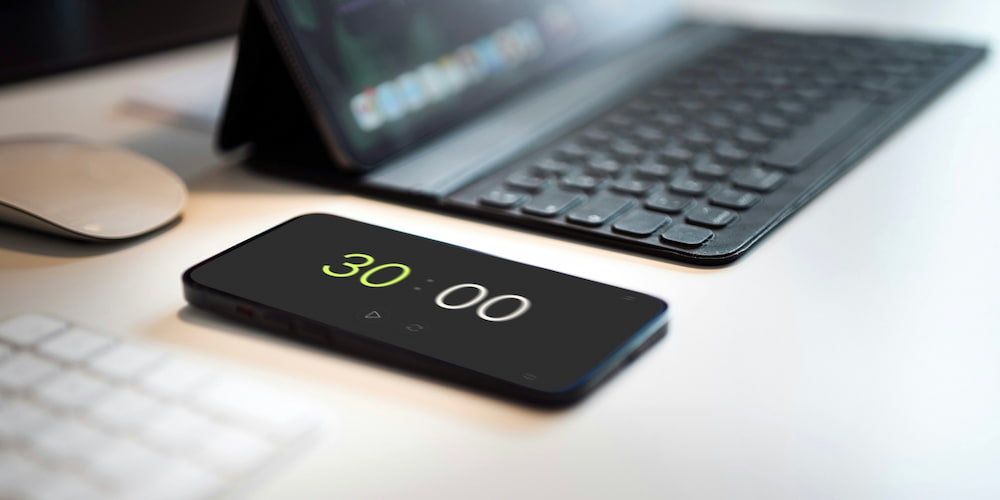
The free online 30-minute timer offers a plethora of useful functions that make it a convenient and versatile tool for a variety of tasks. Let's explore the main features of this timer that can help you use it most effectively in your daily life.
- Sound alert:
The timer is equipped with a sound alert that you can toggle on or off at your discretion. You can also select the sound that will play when the countdown ends. This customization allows you to adapt the timer to your preferences and usage conditions, whether in a quiet office or a noisy home environment.
- Interface value settings:
You can easily adjust the timer settings directly on the page interface without entering the settings menu. This is convenient and saves time, especially when you need to quickly set the desired time interval. Just enter the desired value and start the timer with a few clicks.
- Clock display in the interface:
If 30 minutes is not enough, you can enable the clock display in the timer interface, extending its functionality. This is convenient for longer tasks and allows you to use the timer for counting down larger time intervals without losing convenience and clarity.
- Full-screen feature:
The timer has a full-screen feature, which is ideal for various situations. Full-screen mode ensures maximum visibility of the timer, which is particularly useful on large screens during presentations or speeches, as well as on mobile devices during workouts or cooking.
- Easy to use:
The timer is noted for its simplicity and intuitive interface. It requires no additional software or applications, is available online, and is ready to use at any moment.
- Adaptive design:
The timer features an adaptive design that adjusts to the screen size of your device. This ensures ease of use on computers, tablets, and smartphones, allowing you to use the timer anywhere and at any time.
Frequently asked questions
Below, you will find answers to common questions about the free online 30-minute timer.
How can I toggle the sound alert on the timer?
You can turn the sound alert on or off in the timer settings by clicking on the sound icon. You can also select your preferred sound type from the options available.
Is it possible to adjust the timer's value directly on the webpage?
Yes, you can easily adjust the timer's value directly in the interface on the page without needing to access additional settings.
Can the timer be used for a short nap?
Yes, the 30-minute timer is perfect for a short nap that can help rejuvenate your energy and improve concentration.
How does the timer help combat procrastination?
The 30-minute timer creates clear time frames for task completion, helping initiate action and reduce procrastination by overcoming the fear of failure or criticism.
Why should I use an online timer?
An online timer is convenient, easy to use, and accessible at any time. It helps organize time, enhance productivity, and improve task management.
Is the 30-minute timer suitable for interval training?
Yes, the timer is ideal for interval training, where you can set it for periods of exercise followed by rest, making it a great fit for fitness routines.
Can I use this timer for cooking?
Absolutely, the 30-minute timer can be effectively used in the kitchen to track cooking times for various dishes, ensuring nothing gets overcooked.
How can the full-screen feature of the timer enhance its usage?
The full-screen feature makes the timer visible from afar, which is particularly useful during presentations, workouts, or cooking, ensuring you can see the time remaining without being too close to the screen.