


What is the purpose of using a 1-minute timer?
One minute might seem like a brief moment, but when utilized effectively, it can transform your productivity, focus, and time management skills. A simple online 1-minute timer, enhanced with a modern look and convenience, offers numerous benefits for both personal and professional tasks. Here are some practical ways you can use this versatile tool:
Need a different interval? Try the 60-second timer or the 90-second timer.
- Games and contests
- Mnemonic techniques
- Reaction time measurement
- Scientific observations
- Household chores
- Study sessions
- Cooking and baking
- Meditation and breathing exercises
- Event countdown
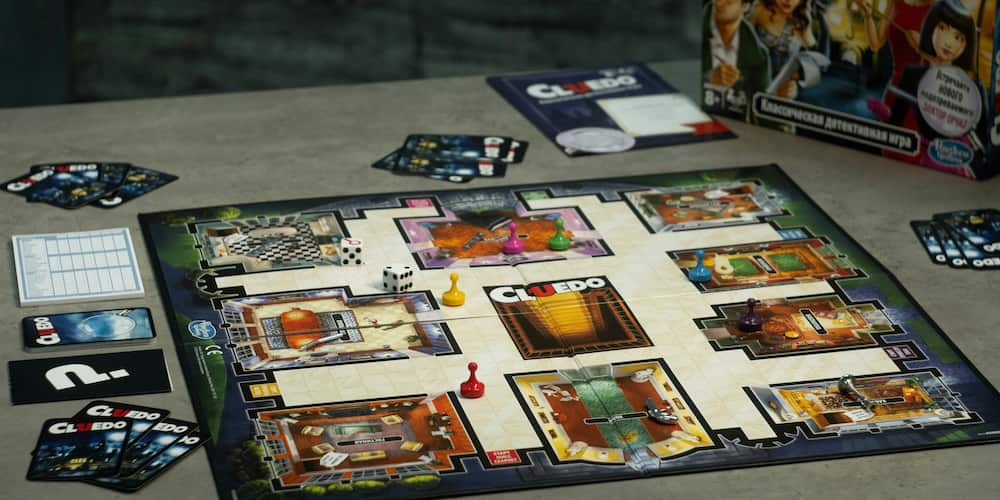
Incorporating a 1-minute timer into games and contests adds excitement and urgency. Whether it's a classroom activity, a family game night, or a friendly competition, a countdown timer enhances the fun and keeps everyone engaged.
Using a 1-minute timer can significantly enhance your memory training exercises. By setting a short, focused period, you can challenge yourself to recall information quickly, reinforcing your memory retention and recall speed.
In scientific studies or personal tests, a 1-minute timer is ideal for measuring reaction times. Whether for psychological experiments or sports training, this timer helps accurately track response times to various stimuli.
For scientists and researchers, a 1-minute timer is essential for observing and recording short-term events or reactions. It ensures precise timing, which is crucial for experiments that require exact measurements of time intervals.
A 1-minute timer can make mundane tasks more manageable. Set the timer to see how much you can tidy up in one minute. You'll be surprised at how much you can accomplish in such a short time, making chores feel less daunting.
For students, a 1-minute timer is a valuable tool for maintaining focus during study sessions. It can be used to time short breaks, quiz oneself on flashcards, or challenge themselves to complete a task within the set time, boosting both efficiency and motivation.
Precision in cooking and baking is key to achieving perfect results. A 1-minute timer helps ensure that your culinary creations are cooked to perfection, whether it's timing a quick boil, baking, or letting dough rest.
For relaxation and stress relief, a 1-minute timer can guide you through meditation or breathing exercises. Focusing on your breath or a mantra for just one minute can provide a quick mental reset during a busy day.
A 1-minute timer is perfect for counting down to the start of an event or activity. Whether it's a meeting, presentation, or workout session, having a clear, audible signal at the end of the minute helps keep everyone on schedule.
Incorporating a 1-minute timer into your daily routine can significantly enhance your time management skills and overall productivity. It's a small, simple tool that offers immense benefits, proving that even the shortest intervals of focused effort can make a big difference.

Fact
Timers are not only used by humans but also by robots in various applications. For example, robotic vacuum cleaners use timers to schedule cleaning sessions at specific intervals.
How to maximize the benefits of a 1-minute timer
Using a 1-minute timer can be a powerful tool for enhancing productivity and efficiency, but to truly reap its benefits, it's essential to employ it strategically. By integrating this simple device into your daily routine, you can improve focus, break down complex tasks, and stay motivated through small, measurable achievements.
One of the best ways to utilize a 1-minute timer is by ensuring accuracy in your timing. Set the timer at the start of a task and fully commit to the activity until the timer sounds. This method helps create a sense of urgency and focus, making each second count. Whether you're studying, exercising, or working on a project, knowing that the timer is running encourages you to stay on track and avoid distractions.
Breaking down larger tasks into smaller, manageable parts is another effective strategy. A daunting project can be overwhelming, but by using a 1-minute timer, you can divide it into simpler segments. Start with just one minute of focused effort on a particular aspect of the task. Once the timer goes off, take a short break or switch to another part. This approach not only makes large tasks less intimidating but also helps maintain a steady pace of progress without feeling overwhelmed.
Motivation often comes from seeing tangible results, no matter how small. Using a 1-minute timer to achieve minor milestones can provide a sense of accomplishment that fuels further productivity. For example, if you're hesitant to make an important phone call or send a crucial email, set the timer for one minute and commit to starting the task. This brief period of focused action can help you overcome procrastination and build momentum. Over time, these small victories accumulate, fostering a habit of productivity and efficiency.
Key features of a free online 1-minute timer
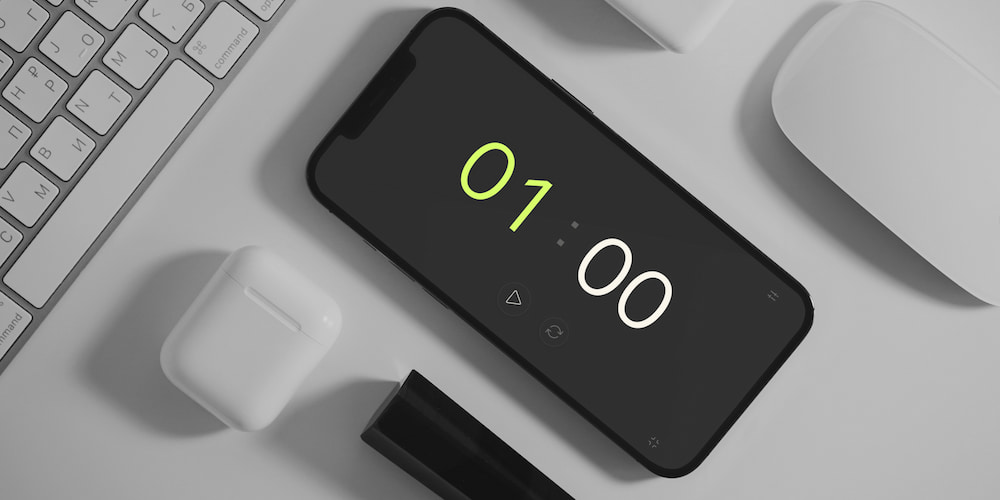
A free online 1-minute timer is not just about counting down seconds; it offers a range of functionalities designed to enhance user experience and flexibility. From customizable alerts to user-friendly interfaces, these features make the timer an indispensable tool for various tasks. Here are some key functions:
- Customizable beep sound
- Direct interface settings
- Inclusion of hours
- Adjustable timer values
- Full-screen mode
The 1-minute timer allows you to select and customize the beep sound that signals the end of the countdown. Users can choose from different sounds, turn the beep on or off, and adjust the volume to suit their preferences.
Beyond traditional settings menus, this timer lets you set values directly on the interface. Whether you need to quickly adjust the timer to 1 minute 20 seconds or any other duration, you can do so with ease, making it highly convenient and efficient.
The timer offers an option to include hours in the settings, in addition to minutes and seconds. This feature is particularly useful for tasks that require longer durations, providing greater flexibility in timing.
You can edit all timer values effortlessly. Whether you need a precise 1 minute and 20 seconds countdown or any other specific duration, the timer's flexible value adjustment makes it versatile for various tasks, from cooking to workout sessions.
The full-screen function is ideal for activities that require a clear and prominent display of the countdown. Whether you are presenting, conducting a class, or participating in a group exercise, the full-screen mode ensures everyone can see the timer clearly.
Frequently asked questions about our 1-minute timer
Using our 1-minute timer can greatly enhance productivity and focus. Here are some common questions and answers to help you make the most of this simple yet powerful tool.
How can a 1-minute timer improve concentration?
A 1-minute timer can help improve concentration by setting a short, focused period to complete a task, minimizing distractions, and maintaining high levels of attention.
What are some practical uses for a 1-minute timer?
Practical uses for a 1-minute timer include memory drills, reaction time tests, household chores, quick study sessions, and timing short breaks or exercises.
Can I customize the beep sound on your 1-minute timer?
Yes, our online timer allows you to customize the beep sound, including selecting different sounds, adjusting the volume, or turning the beep on or off.
How does using your timer help reduce procrastination?
Using our timer helps reduce procrastination by breaking tasks into manageable segments, making it easier to start and maintain momentum through short, timed intervals.
Can I use your 1-minute timer for cooking?
Yes, our 1-minute timer is ideal for precise cooking tasks, such as timing boiling, baking, or resting ingredients, ensuring culinary perfection.
What is the benefit of full-screen mode on your timer?
Full-screen mode on our timer ensures that the countdown is visible to everyone, making it perfect for group activities, presentations, or classroom settings.
Can your timer help with time management for kids?
Yes, using our timer can teach kids about time management, helping them stay focused on tasks and understand the importance of completing activities within a set time.
Is it possible to use your timer for meditation?
Yes, our 1-minute timer is perfect for guided meditation or breathing exercises, allowing you to focus on relaxation and mindfulness for a set period.