


The purpose of using a 3-minute timer

The 3-minute timer is a simple but powerful tool that can significantly increase productivity and efficiency in various fields of activity. Its advantages are ease of use, modern design and the ability to help you focus on completing short and doable tasks. Below are some practical ways to use the 3-minute timer:
You might also want the 2-minute timer or the 4-minute timer.
- Cooking
- Mnemonic techniques
- Concentration training
- Scientific observations
- Household chores
- Games and contests
- Meditation and breathing exercises
Use the 3-minute timer to keep track of your cooking in a short time. Whether you're boiling eggs or grilling a steak, this timer ensures that your culinary tasks are completed perfectly.
Using a 3-minute timer can improve your memory training exercises. Set a timer and practice memorizing information or using flashcards during this short period of time.
Improve your concentration by using a 3-minute timer for concentration exercises. This method is useful for students, professionals and anyone who wants to increase their mental clarity.
In scientific research, a 3-minute timer can help with short observations or time experiments. This ensures that the observations are consistent and accurate, ensuring reliable data is obtained.
A 3-minute timer can make everyday tasks more doable. Use it to quickly clean up the room, wash the dishes or do other household chores. You will be surprised how much you can do in such a short time.
Timers are ideal for adding excitement to games and contests. The 3-minute countdown can be used in quizzes, races, or any other competition, ensuring fair play and adding fun.
Use the 3-minute timer for quick meditation or deep breathing exercises. This can help reduce stress and improve overall well-being in just a few minutes a day.
How to use the timer to the maximum benefit
Effective use of a 3-minute timer can change the way you approach tasks, helping you achieve accurate results and stay motivated. This short period allows you to break down complex actions into manageable steps and maintain a high level of productivity.
To achieve the best results, it is important to be accurate and consistent in using the 3-minute timer. Start by identifying specific tasks that can be completed in that time. This may include writing a short email, organizing a small workplace space, or conducting a quick brainstorming session. By setting clear, achievable goals for each timer session, you will be able to track your progress more effectively and ensure that every second is used productively.
Another key strategy is to divide large tasks into simpler and more manageable parts. For example, if you need to prepare a report, use a 3-minute timer to focus on different sections in turn. This not only makes the task less difficult, but also helps to maintain concentration and pace. Each completed stage is a small victory that keeps you motivated and encourages you to continue working towards a larger goal.
When using a 3-minute timer, it is important to learn how to be motivated by small results. Celebrate every minor achievement, as these small victories strengthen self-confidence and positive habits. Over time, these incremental successes can lead to significant improvements in productivity and overall task management. By constantly using a 3-minute timer, you will be able to develop a disciplined approach to work, increasing your efficiency and the quality of results.

Fact
Using a 3-minute timer to reflect and write down ideas can help in generating innovative solutions and creative ideas, as short time frames stimulate the brain to work faster and more efficiently.
The functionality of an online timer for 3 minutes
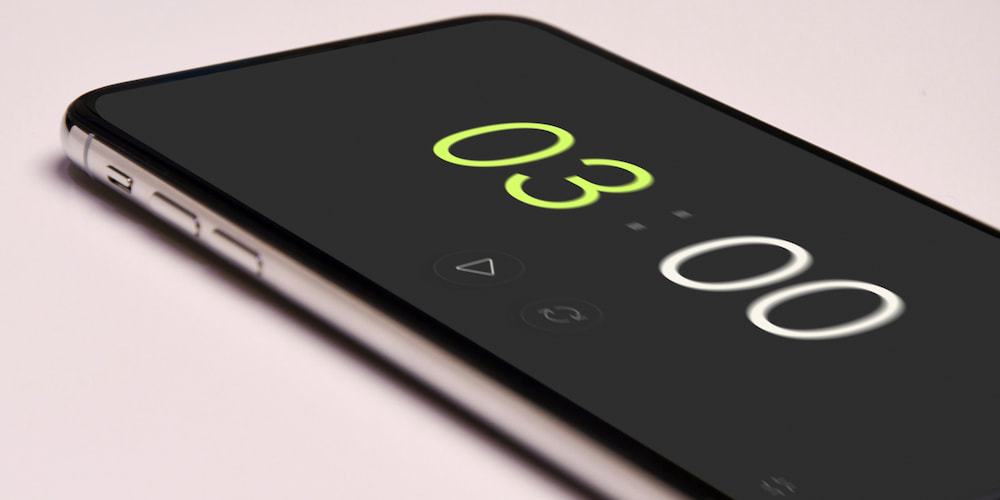
The free 3-minute timer offers various functions to enhance convenience and versatility. These functions not only simplify the use of the timer, but also allow you to customize it according to different needs and preferences. Below are some key features of the 3-minute timer:
- The sound signal
- Setting values directly in the interface
- Adding a clock display
- Fullscreen
The timer allows you to turn the alarm on or off depending on your preferences. In addition, you can choose from several beeps to ensure that the alert matches your conditions and task.
Instead of going to the settings menu, you can set the timer values directly in the interface. The intuitive design allows you to quickly change settings and makes the timer convenient to use.
The timer can be expanded to include a clock display, providing additional functionality. This feature is particularly useful for users who need to keep track of the current time while using the timer, making it a comprehensive time management tool.
The full-screen viewing feature improves visibility by making it easier to track the countdown from a distance. This is especially useful in classrooms, presentations, the kitchen, or training.
FAQ
Here are some common questions and answers about the functionality and benefits of a 3-minute timer.
How do I start a 3-minute timer?
To start a 3-minute timer, simply open the timer page and press the Start button. The timer will begin counting down immediately.
Can the timer be set to the exact second?
Yes, the timer allows you to set time precisely to the second, such as 3 minutes and 30 seconds, for more accurate time management.
Does the timer have an alarm feature?
Yes, the timer includes an alarm feature that you can turn on or off and select a suitable sound from the available options.
Can the timer be used in full-screen mode?
Yes, the timer has a full-screen mode, making it convenient for use during presentations, workouts, or study sessions.
How do I set the timer directly on the page?
You can adjust the timer settings directly on the page by entering the desired time into the appropriate fields without needing to access a settings menu.
Is the timer suitable for cooking?
Yes, the timer is perfect for cooking, allowing you to precisely monitor cooking times to prevent overcooking or burning dishes.
What makes the 3-minute timer effective for studying?
A 3-minute timer helps break study sessions into focused intervals, improving concentration and retention of information by preventing burnout and maintaining high levels of productivity.
Why is the 3-minute timer beneficial for quick meditation?
Using a 3-minute timer for quick meditation allows for brief yet effective relaxation periods, reducing stress and improving overall well-being in a manageable timeframe.
What advantages does a 3-minute timer offer for meetings?
In meetings, a 3-minute timer helps keep discussions concise and focused, ensuring each topic is addressed within a limited timeframe to maintain efficiency.
How does the 3-minute timer support quick creativity exercises?
The timer provides a focused period for quick creativity exercises such as brainstorming or sketching, helping generate ideas rapidly within a short time frame.