


The benefits of using an online timer for 5 hours
Online timers are incredibly useful tools that can help you manage your time more effectively. A 5-hour timer, in particular, offers a range of benefits and can be used in various situations to enhance productivity, focus, and organization. Here are several detailed examples of how you can utilize timer:
Timing something shorter or longer? See the 4-hour timer and the 6-hour timer.

- Waiting for Important Events
- Planning Your Workday
- Fitness and Training Sessions
- Cooking and Culinary Processes
- Time for Hobbies
Whether you're waiting for guests to arrive or the start of a big event, the 5-hour timer helps you manage the wait. The countdown adds anticipation to the big event and ensures you're ready for it.
Dividing your workday into 5-hour intervals can help you manage tasks without feeling overwhelmed. For instance, you can set the timer at the start of your day to structure your time until lunch, focusing on the most important tasks. This method allows you to work intensively on high-priority projects and ensures you take breaks at appropriate intervals, maintaining your productivity throughout the day.
If you're preparing for a marathon or any other athletic event, a 5-hour timer can help you regulate your training sessions. By timing your workouts, you can adhere strictly to your training schedule, ensuring you allocate enough time for both exercise and recovery.
Certain recipes, such as broths or stews, require extended cooking times. Using a 5-hour timer ensures you follow the recipe accurately without constantly watching the clock.
Allocating a specific time for hobbies is essential to balance your life. Setting a 5-hour timer once a week for activities like painting or playing a musical instrument allows you to indulge in your passions without neglecting other responsibilities. This dedicated time helps you develop skills and provides a much-needed break from your routine.
Maximizing the benefits of a free online timer for 5 hours with a beep
Using a 5-hour online timer with a beep can be a powerful tool for enhancing productivity and managing time more effectively. To get the most out of this tool, it's essential to understand some key techniques and strategies. This section will explore how to use such a timer to boost your efficiency and self-discipline.
One of the main advantages of a 5-hour timer is its ability to improve time management. By setting strict time limits for completing tasks, you train your ability to focus and work more efficiently. This is particularly important for tackling large and complex projects that require prolonged, uninterrupted attention. Knowing you have a set time to work on a task can help reduce procrastination and keep you on track.
Another benefit of using a timer is stress reduction. By freeing your mind from the need to constantly check the clock or remember deadlines, you can concentrate more fully on the task at hand. Setting a timer for 5 hours gives you a clear timeframe during which you can focus exclusively on one task, after which you can switch to other activities or take a well-deserved break. This approach not only improves your efficiency but also helps maintain a healthy work-life balance.
Using a timer also promotes better planning and time allocation among different activities. It can be particularly useful when you need to balance work responsibilities with personal time. For example, you can set aside specific periods for learning new skills or engaging in physical exercise. By dividing your tasks into manageable intervals and focusing on achieving small milestones, you can stay motivated and make steady progress towards your larger goals. The satisfaction of completing each timed session can reinforce positive habits and boost your overall productivity.

Fact
Using short timers for repetitive tasks can improve cognitive brain functions such as attention and concentration through regular exercise and switching between tasks.
The features of a free online timer for 5 hours
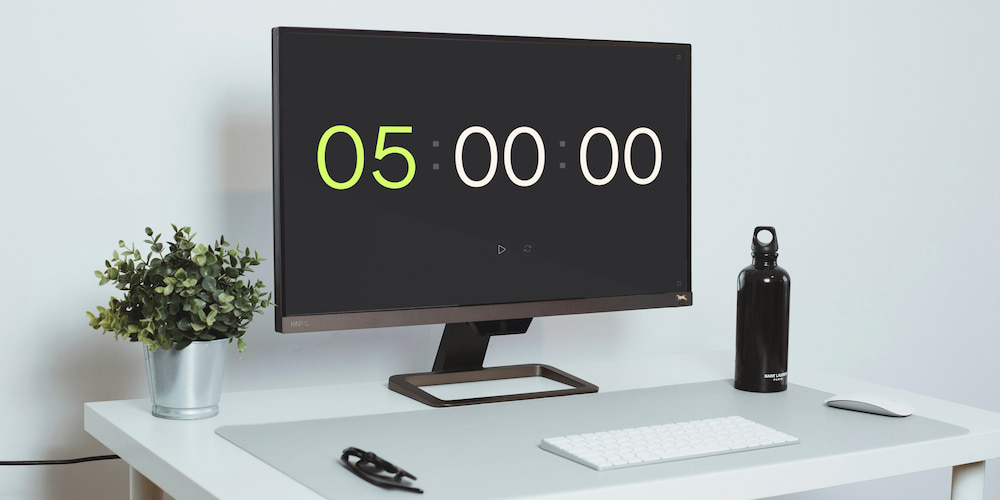
The free online timer for 5 hours comes equipped with a variety of functions that make it an ideal choice for a wide range of tasks. Below are some key features of this timer.
- Interface Time Setting:
- Beep Function:
- Full-Screen Mode:
You can easily set the timer directly within the interface on the page, without needing to navigate through a settings menu. This makes the process of configuring the timer quick and intuitive, allowing you to adapt the timer's duration to your needs without any additional hassle.
The timer includes a customizable beep function that you can adjust to suit your preferences. You can choose from a selection of sounds, and have the option to turn the beep on or off depending on the situation. This feature is particularly useful when you need a clear and audible notification that the countdown has ended.
The timer can be expanded to full-screen mode, making it an excellent solution for presentations, reports, and speeches. Full-screen mode provides better visibility and helps you stay focused on your time management goals during public events or study sessions.
Frequently asked questions about using a 5-hour online timer
Below are answers to common questions about the functionality and application of online timer.
How do I set the beep sound on the 5-hour online timer?
You can easily set the beep sound through the settings. Click on the settings icon at the top right corner of the timer, choose a melody, or simply toggle the sound on or off. You can also adjust the volume using the slider.
Can I set the timer directly on the main page without going into settings?
Yes, the timer allows users to set the time directly on the main page. This feature simplifies the quick setup and start of the timer, making it user-friendly and efficient.
How do I activate full-screen mode?
To activate full-screen mode, click on the corresponding icon at the bottom right corner of the timer interface. This makes it convenient for viewing on large screens and during public events.
Can I disable unnecessary time values in the timer interface?
Yes, it is possible to disable the display of hours and minutes in the timer settings. This allows you to customize the interface for various short tasks.
How can a timer help at large events?
At corporate events, the timer can be used to manage the timing of presentations, breaks, and sessions, ensuring adherence to the schedule and enhancing the overall organization of the event.
Can the timer be used for cooking?
Yes, the 5-hour timer is perfect for cooking tasks that require long durations, such as making broths or stews. It allows you to follow recipes accurately without constantly checking the clock.